If you open File Explorer with Start in Windows 11, you have quick access, favorites and most recent (last opened). Microsoft is currently changing this area in the current beta. For everything among themselves a menu is added to choose from.
New next to each other
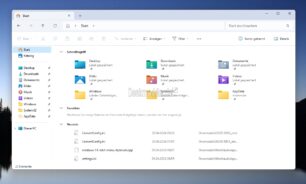
So far between each other
In addition, the Released with area is added. The fact that they are arranged side by side eliminates the need to scroll in File Explorer when many entries are displayed. This means you can select the area you need or just collapse them all, as is already possible. Here's a little animation about it:
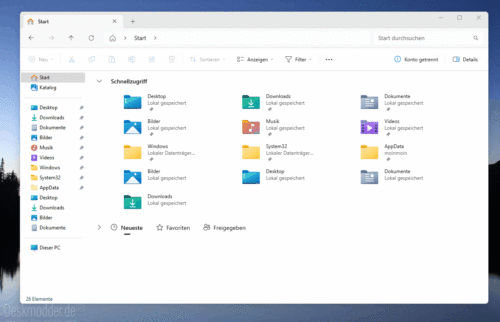
Microsoft is currently testing this feature. It can be assumed that this change will soon be adopted in Windows 11 23H2 and 24H2. But it is still hidden. Anyone who is using the beta can already test the function.
- Download and unzip ViVeTool
- Right-click in the folder and start the terminal while holding down Ctrl + Shift
- The command .vivetool /enable /id:45130483 type and press enter
- Restart once and then open File Explorer