Published release of a proprietary browser Vivaldi 6.6, developed based on the Chromium engine. Vivaldi assemblies prepared for Linux, Windows and macOS. Changes made to the Chromium codebase, project distributes under an open license. The browser interface is written in JavaScript using the React library, the Node.js platform, Browserify and various ready-made NPM modules. The implementation of the interface is available in source code, but under a proprietary license.
The browser is being developed by former Opera Presto developers and aims to create a customizable and functional browser that preserves the privacy of user data. Key features include a tracking and ad blocker, note, history and bookmark managers, private browsing mode, synchronization protected by end-to-end encryption, tab grouping mode, sidebar, configurator with a large number of settings, horizontal tab display mode, and also in test mode built-in email client, RSS reader and calendar.
IN new issue:
- Added support for extensions in the web panel and provided the ability to navigate within web panels. To develop extensions for web web panels, you can use the API sidePanel.
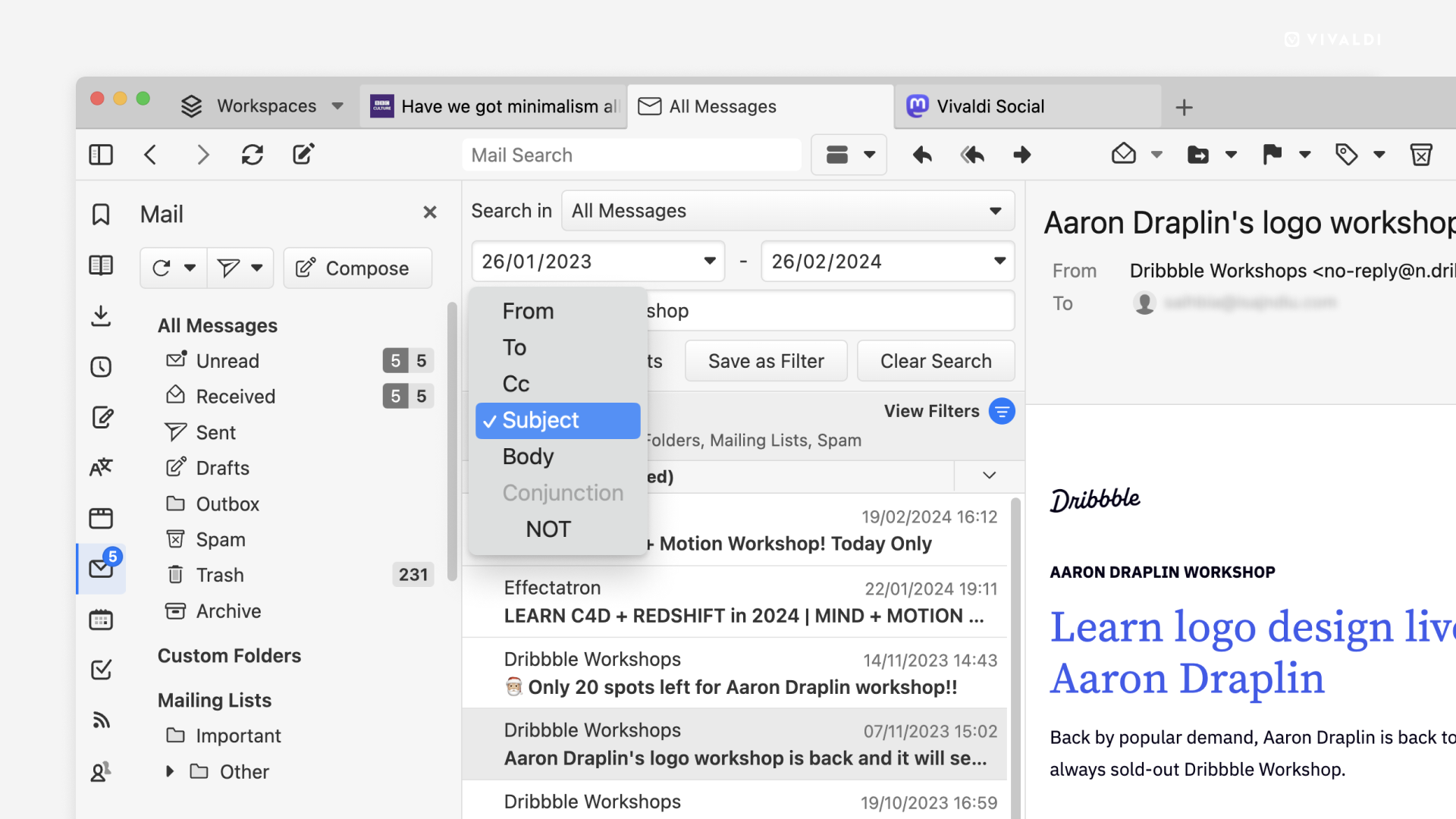
- The mail client has added advanced tools for searching messages using several criteria, which can be used either individually or in combination with others, making it easy to find messages in archives of any size. The user can also save the search results as a filter and later use it to automatically sort new emails.

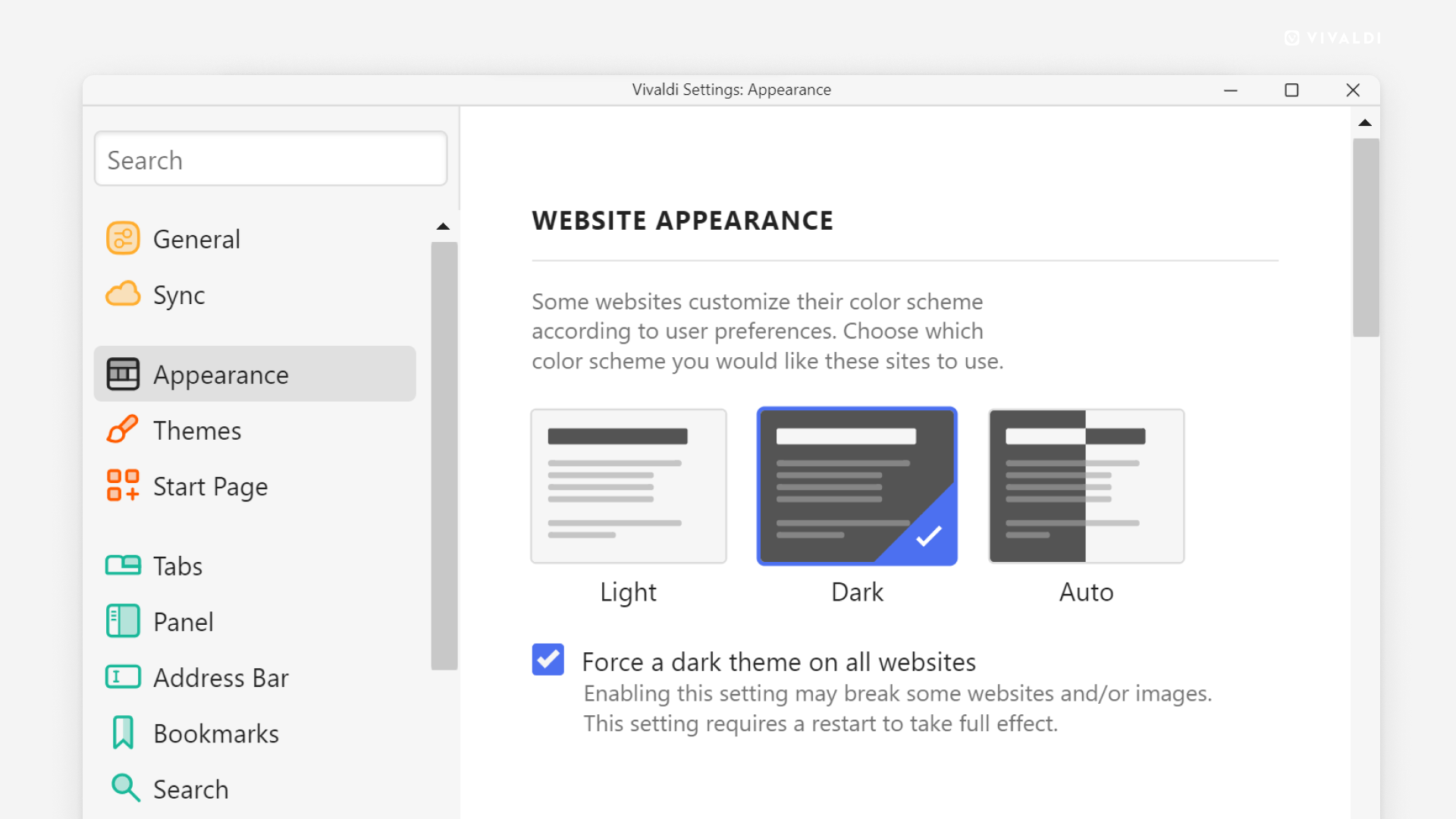
- It is possible to force a dark theme to be applied to all visited pages. In your browser settings, you can also choose to automatically detect the need to apply a dark theme to a site, depending on whether such support is available on the site you visit.

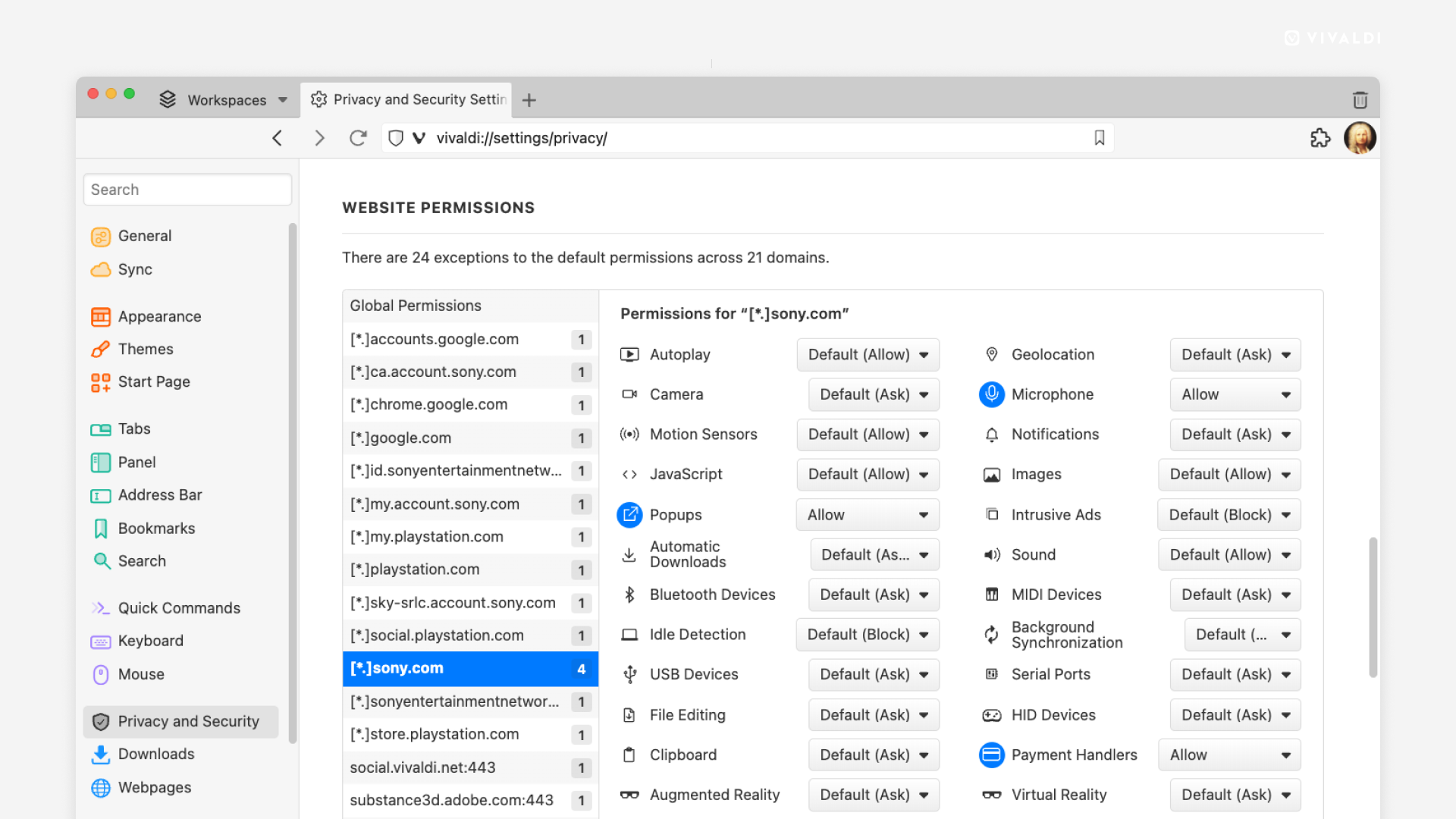
- All settings for permissions and access rights for sites are placed in a separate section of the configurator, and a list of sites with individual permission settings is automatically generated. For such sites, options other than global settings are highlighted in the settings.

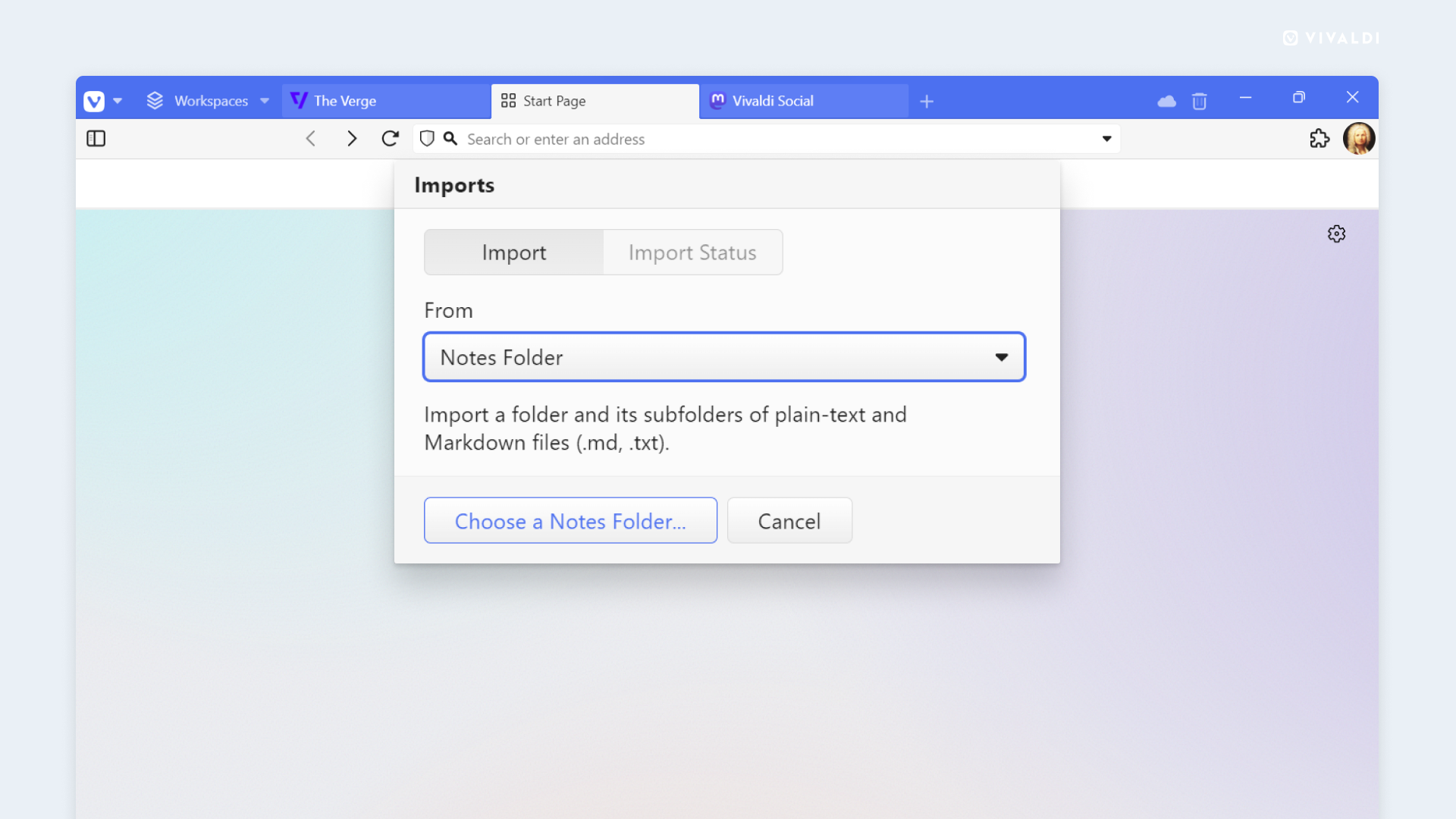
- Added the ability to import/export notes and reading list.

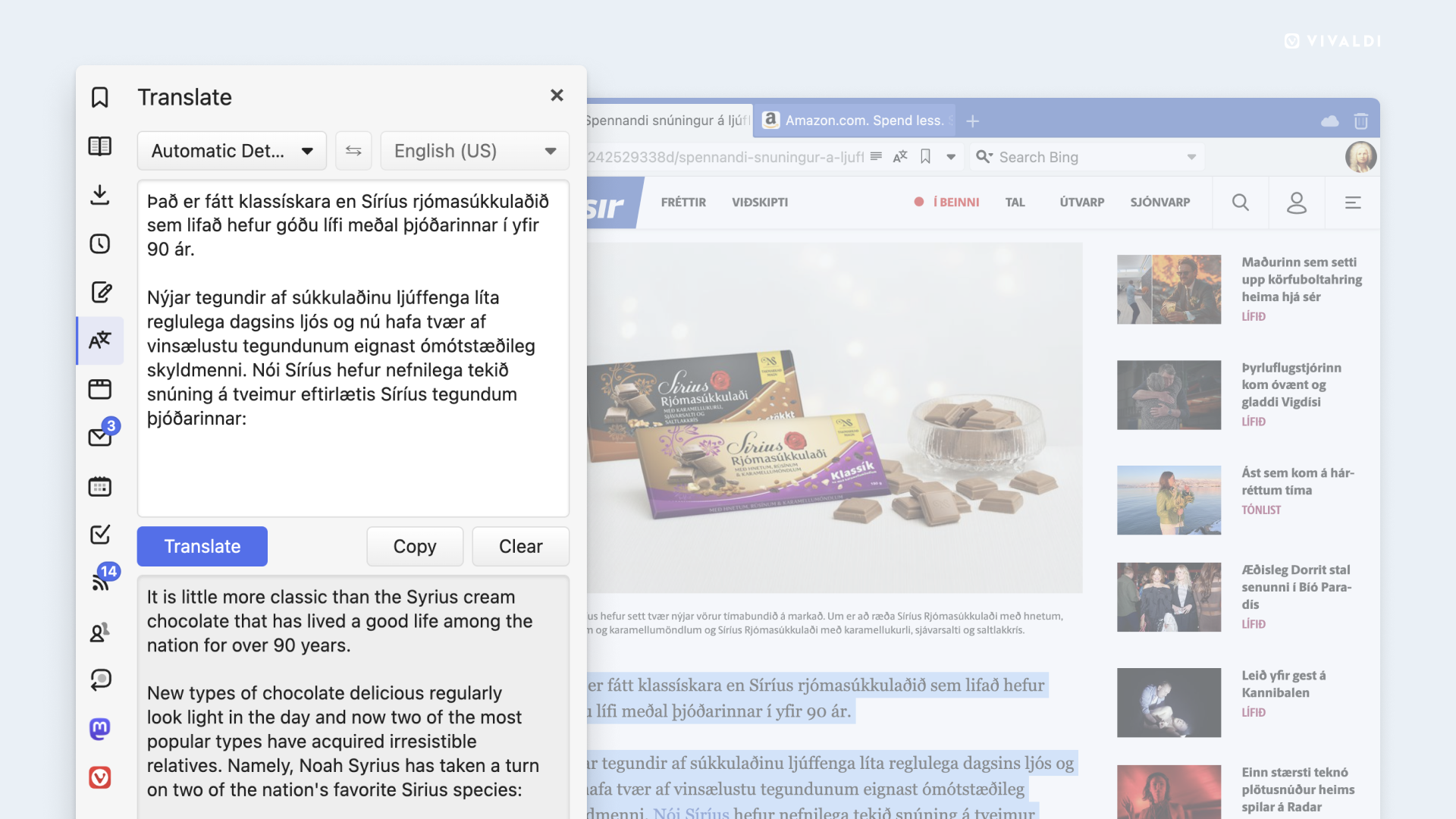
- Improved quality of the built-in translator.

Thanks for reading: