While the word digitalization is now being mentioned in more and more Bundestag debates, I have been trying for years – more or less successfully – to manage documents, files and the like conveniently and paperlessly. In the best case scenario, of course, with an OCR function that makes the documents searchable. For this reason I decided to use paperless-ngx some time ago. Thanks to Docker, installation is quick and easy. Optionally, software updates in the Docker stack are even automated thanks to Watchtower, so that the effort for the user is zero.
What is paperless-ngx actually?
Paperless-ngx itself is a document management system – DMS for short. The developers describe it GitHub as follows: “Paperless-ngx is a document management system that transforms your physical documents into a searchable online archive so you can store less paper. Paperless-ngx was forked from paperless-ng to continue the great work and distribute responsibility for supporting and developing the project among a team of people.”
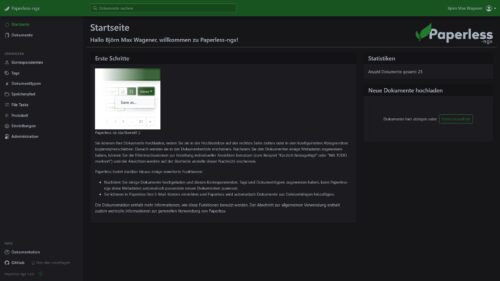
This is how the installation works: paperless-ngx installed
In my case, paperless-ngx is installed and operated via a stack in Docker. Portainer Business is also used, but this is not absolutely necessary. An installation via shell via a docker-compose.yml file is also possible. Now it's time to create the paths, which are created with mkdir. In my case the folders are in my hotel directory. Please adjust the paths accordingly, otherwise you will get error messages. In addition, in the following compilation file, the output port is adjusted because port 8000 is already in use.
version: "2.1"
services: paperless-ngx: image: lscr.io/linuxserver/paperless-ngx:latest container_name: paperless-ngx environment: - PUID=1000 - PGID=1000 - TZ=Europe/Berlin - REDIS_URL= #optional volumes: - /home/bjoern/paperless-ngx/config:/config - /home/bjoern/paperless-ngx/data:/data ports: - 8050:8000 restart: unless-stopped
The first start of the Docker Stack may take a few minutes depending on your hardware and internet speed. As soon as all containers are running, you can access the login screen via http://ip-adresse-des-hosts:8050/. The default login details are admin – admin. Via http://ip-adresse-des-hosts:8050/admin/ you can then access the administration interface, where, among other things, the user name and password can be changed. There are also numerous other options at this point, including paperless email. With this function, IMAP accounts can be integrated into paperless-ngx, so that incoming documents automatically end up in the archive. This should be a particularly useful function for companies and the self-employed, as long as invoices are received on a separate email address.