The PlayStation 5 is available in two versions: a purely digital edition and a model with a built-in Blu-ray drive. However, with the digital version you can purchase a disc drive separately. For both versions you should know how to insert discs correctly. Otherwise there is a risk of reading errors or even damage.
Inserting discs into the PS5 can be confusing at first. Finally, you can set up the console horizontally or vertically. However, with a console positioned vertically, it can quickly become unclear which side of the disc should face outwards. So that you don’t lose track, we’ll clear up the confusion.
Insert PS5 disc correctly
If your PS5 If it is horizontal (horizontal), the drive is on the bottom. In this case:
- The labeled side of the disc faces up.
- The shiny underside points away from the console, i.e. towards the floor.
The following picture shows you:
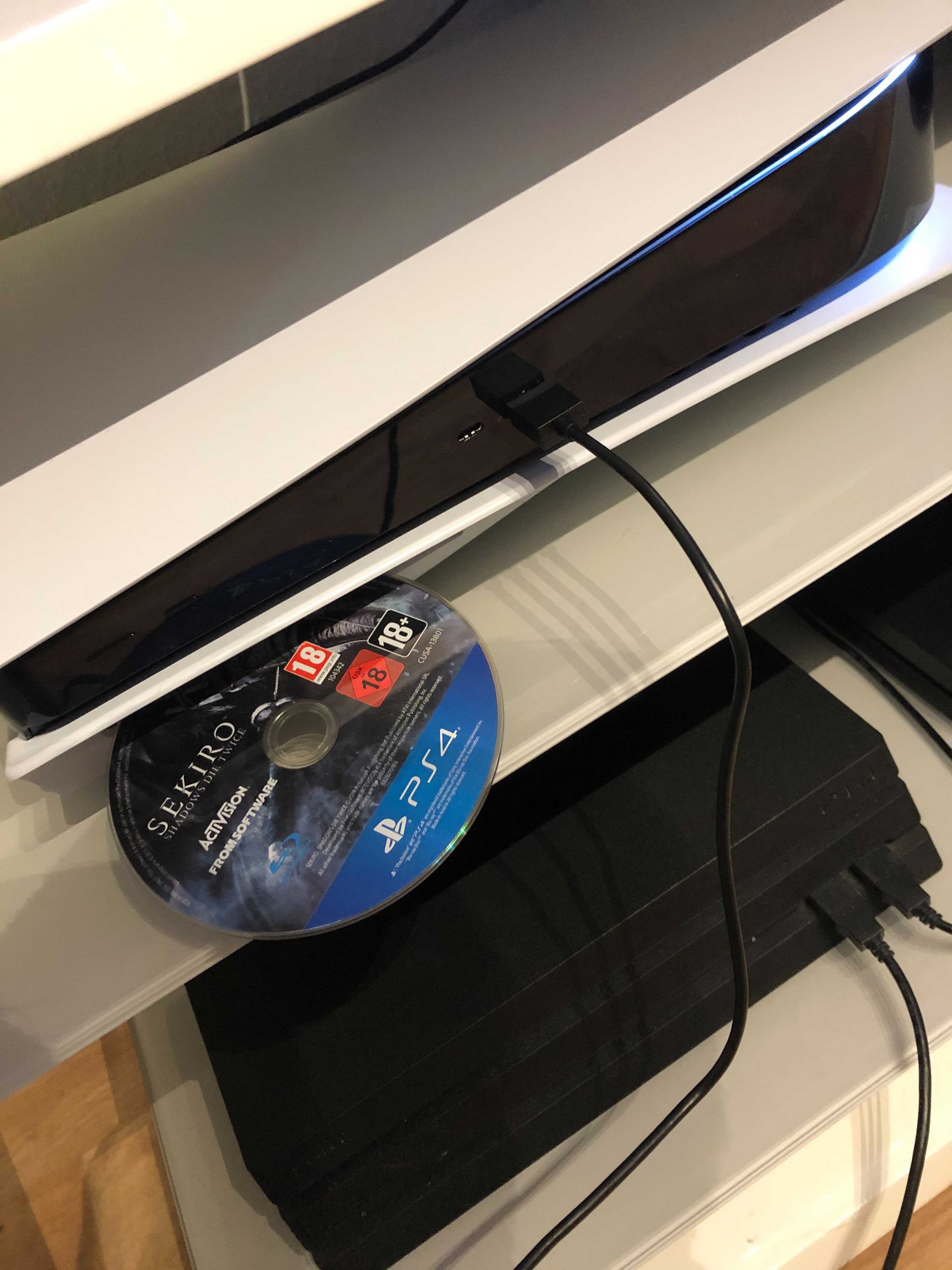
If the console is vertical (vertical), The drive is on the right. Then the following applies:
- The printed side of the disc faces left.
- The bottom of the disc faces right.
The same applies for the PS5 Slim with a drive and for the Digital Edition with a connected drive.
Two methods of disc ejection
If you have one Eject disc If you want, there are two options:
- Option 1:
- Select the inserted disc in the PS5 main menu.
- Press the Options button on your controller.
- Select the “Eject Disc” option.
- Option 2:
- Press the smaller of the two black buttons on the front of the console.
If the disc cannot be ejected, contact customer service. Important NOTE: Do not attempt to disassemble the console yourself to access the disc. This may void the guarantee or the guarantee claim.