Today while browsing for new apps I stumbled across the Edison Mail. That made me curious. Because some of you are not so satisfied with the new Outlook app. So I took a look at them.
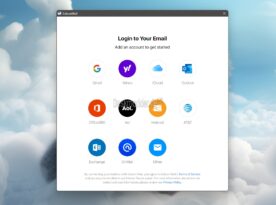
But first I went looking. Because there is enough garbage in the store. But Edison Mail has existed for many years as an Android, iOS and macOS app and is free. While the Android and iOS apps already speak German, the Windows app is currently still in English. But maybe for some it's not that dramatic.
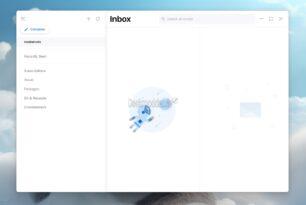
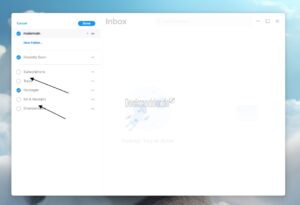
After setting up the email address and reading two settings carefully, you can get started. The account you have set up can be expanded, like you would normally do with an IMAP account. The additional folders can be deselected by right-clicking. I haven't found any new ones to add yet. But remember, this is the first version that has been deployed.
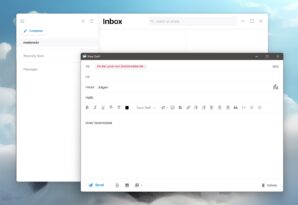
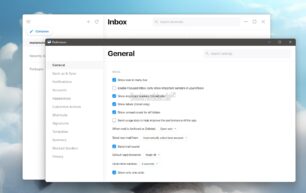
Writing an email is structured in the same way as other email programs. Templates are also available here or can be created. You can also find these in the settings. You should take some time to make the settings yourself. There is a lot that can be adjusted here.
A look at the Edison Mail blog also shows that Entry from yesterday. Edison Mail for Windows was also introduced there.
Info and download: