After six years of development published significant release of a visual editor for scientific documents LyX 2.4.0, which allows you to create texts using TeX/LaTeX markup, while visually editing the document layout in a WYSIWYM view. The resulting document is saved in LaTeX format, but text can be imported and exported into formats such as PDF, Postscript, DVI, ASCII, HTML, OpenDocument, RTF, ODF, DOC and ePub. Binary assemblies formed for Windows and macOS.
Important changes
- Added support for dark theme.
- The default encoding is UTF-8. In the settings (Document→Settings…→Language) it is possible to use traditional encodings. Old encodings will also continue to be used in existing documents and templates.
- The implementation of document markup language has been completely rewritten DocBook. Added specification support DocBook 5 and the ability to save documents in DocBook and ePub formats.
- Support for saving documents in HTML5 format using ‹section› elements has been implemented (previously only old HTML 1 was supported).
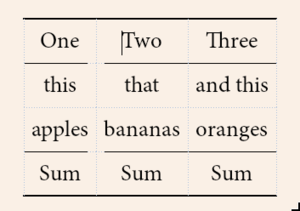
- The possibilities for visual layout of tables have been expanded. Added table styles that can be selected when inserting a new table (Document→Settings…→Text Layout). It is possible to create your own styles. Added support for using merged or split horizontal separators to indicate the grouping of columns in a table.
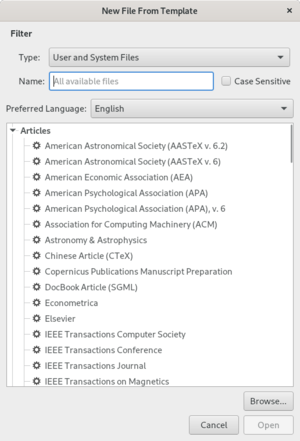
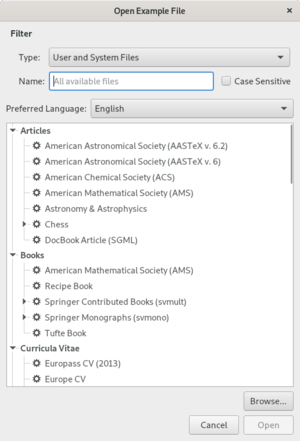
- A new dialog has been proposed for selecting templates (File→New From Template…) and files with examples (File→Open Example…), displaying information in a structured form, as well as showing examples and templates from the user's directory. The process of saving your own templates in your home directory has been simplified using the “File→Save As Template…” menu.
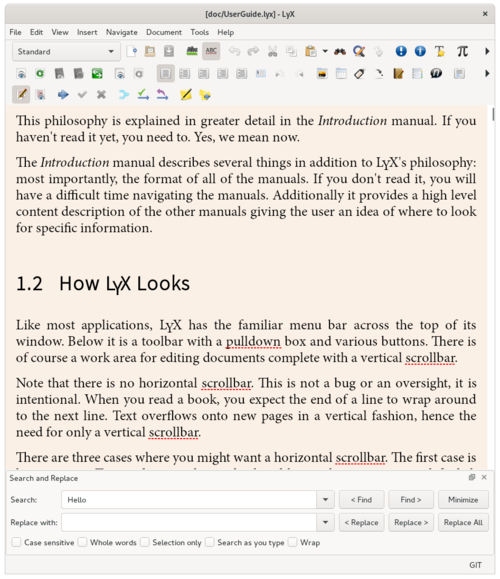
- The search and replace dialog has been redesigned, which can now either be attached as a built-in panel at the bottom, or detached into a separate window. Added search modes as you type a query and search/replace only in the selected text area.
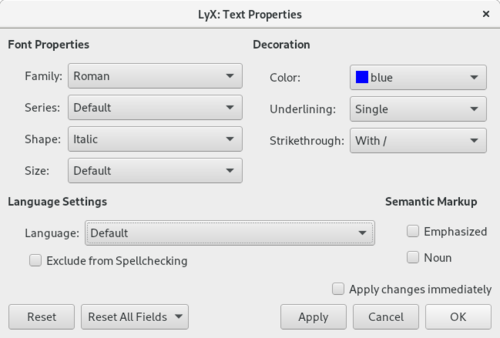
- The interface for setting document properties has been completely redesigned.
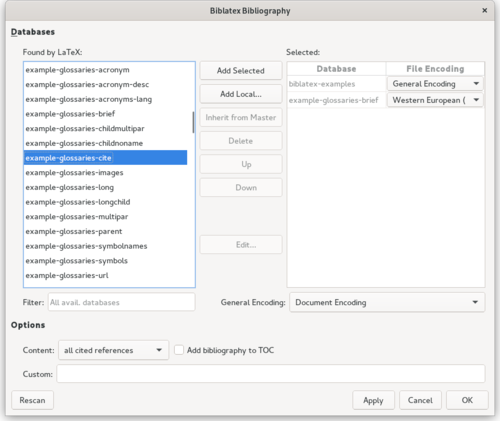
- The Bib(la)TeX settings dialog has been changed, in which both available and selected bibliographic databases are now displayed in one place. Added the ability to select text encoding in relation to individual files.
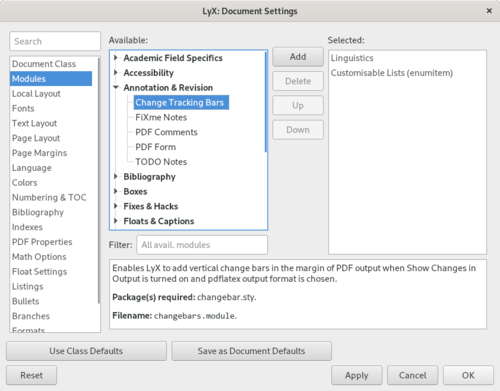
- The dialog for selecting modules has been redesigned (Document→Settings…→Modules). Available modules are displayed divided into categories. Added a quick search function by module name and file name.
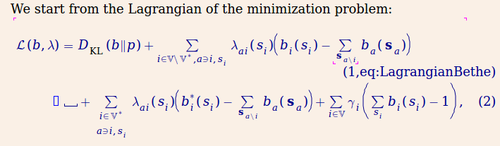
- Improved ease of editing mathematical equations,
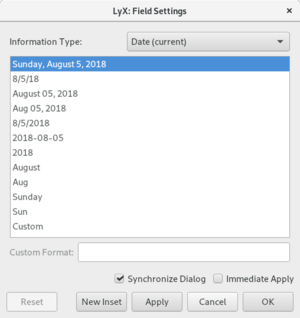
- Added the ability to select different forms of date and time insertion.
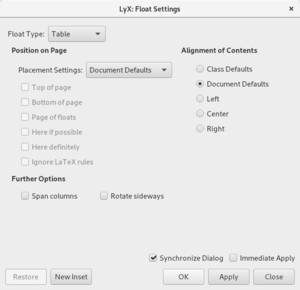
- Provides the ability to define the alignment mode for all floating content.
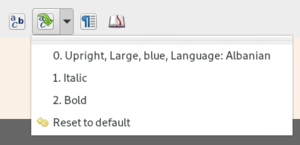
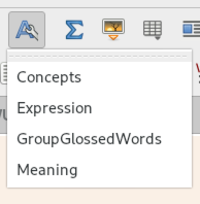
- In the toolbar for buttons for changing text properties and pasting from the clipboard, the history of past operations is now shown. Added the ability to select your own character styles via the toolbar.
- Added option (Document→Settings→Numbering & TOC→Line numbering) to display line numbers in the document.
- Enhanced capabilities for tracking changes in a document.
- Added the ability to select your own dictionaries for spell checking for individual documents. Support for building a list of individual words or phrases that are ignored when checking spelling has been implemented.
- The list of supported LaTeX commands and fonts has been expanded. When using the Polyglossia multilingual layout package for LaTeX documents, support for the Russian language is implemented.
Thanks for reading:


