One thing is still missing this week: The Dev Insider Build. Everyone else is already through, from retail to beta to canary. Today Microsoft has Windows 11 23575.1001, more precisely 10.0.23575.1001 ni_prerelease. Microsoft does not seem to be making an SDK or other ISO available today.
If so, we will deliver it later. But now let’s get to today’s Insider Build.
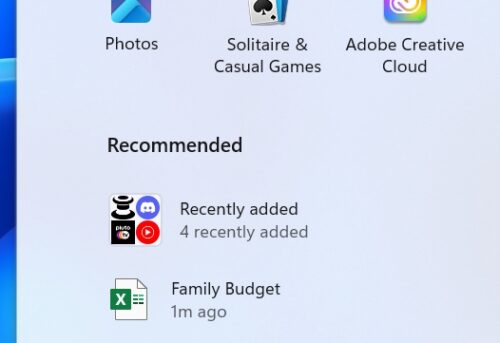
For some insiders, Microsoft is testing grouping recently added apps in the Start menu in the “Recommended” section. The ID for ViveTool will definitely be coming soon so we can all test it.
Known issues in Windows 11 23575
- Co-pilot The first time you start or after updating Copilot in Windows, if you are using Voice Access, you will need to use the Show Grid command to click in the “Ask Me Anything” box for the first time.
Fixes and improvements in Windows 11 23575
- Fixed an issue that caused certain games to fail to launch with a 0x1 error in the last 2 builds of the development channel.
- Co-pilot Fixed an issue where some Windows Insiders in the Development channel using the Home edition of Windows 11 Insider Preview builds noticed that Copilot disappeared from the taskbar in Windows.
- File Explorer
- Fixed an issue where a tooltip appeared when hovering over the first image in the gallery, but could not be disabled.
- Fixed an issue where closing File Explorer would sometimes cause explorer.exe to crash.
- Some work has been done to improve performance when opening the context menu.
- Fixed an issue that prevented touch scrolling the second time you opened drop-down menus in File Explorer.
- Settings Fixed an issue where the Settings home page would display a prompt to sign in to your Microsoft account and sign in would fail when you tried to use it, even though the Settings itself showed that you were already signed in.
- Task Manager Fixed an issue where dropdowns in Settings would move up when scrolling on the screen.